
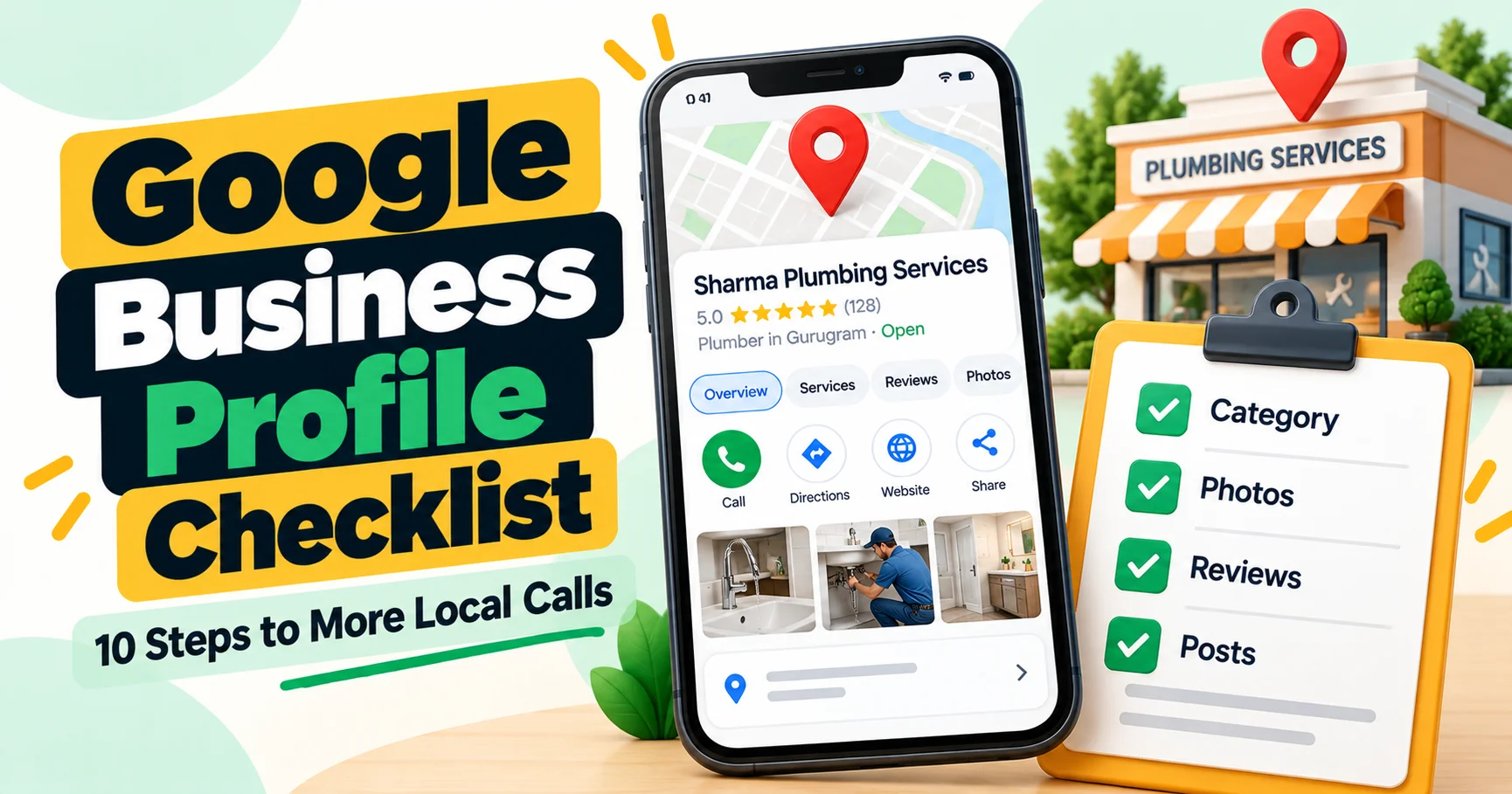
When someone searches “interior designer near me” or “best dentist in Gurugram”, the first thing they usually see is not a website. It is a map with three businesses, their ratings, photos and a call button. Those are Google Business Profiles, and for local businesses they often bring more calls than the website itself.
The good news: your profile is free, and most competitors leave it half-finished. This Google Business Profile optimization checklist walks you through every section, step by step, so your business shows up more often and turns more searches into calls, visits and enquiries.
Key takeaways
- Google ranks local results mainly on relevance, distance and prominence. A complete profile helps with relevance and prominence.
- Your primary category is one of the most important settings. Choose it carefully.
- Use your real business name. Adding keywords to the name breaks Google’s guidelines.
- Fresh photos, posts and reviews show Google and customers that you are active.
- Google has replaced the public Q&A section with an AI “Ask” feature, so complete, accurate profile information matters even more.
How Google decides which local businesses to show
According to Google, local results are based on three main factors:
- Relevance: how well your profile matches what the person searched for.
- Distance: how far your business is from the searcher or the location in the search.
- Prominence: how well known and trusted your business is, including reviews, ratings and your presence across the web.
You can’t change distance, but this checklist improves relevance and prominence.
Section 1: Claim, verify and set up the basics
- Claim and verify your profile. Search for your business on Google or go to Google Business Profile Manager. Verification is often done by video, phone or email, depending on your business.
- Business name: use your exact real-world name, as it appears on your signboard, invoices and website. Don’t add keywords or cities.
- Address or service area: show your address if customers visit you. If you travel to customers (like plumbers or interior designers who visit sites), set a service area and hide the address if you don’t serve customers there.
- Phone number: use a local number that is answered during business hours.
- Website link: link to your most relevant page. Add UTM tags (for example
?utm_source=google&utm_medium=gbp) so you can track this traffic in Google Analytics. - Hours: add accurate regular hours, and update special hours for festivals and holidays.
Section 2: Categories and description
- Primary category: pick the one category that best describes your main business, such as “Interior designer” or “Dental clinic”. This has a big influence on which searches you appear in.
- Additional categories: add a few more only if you genuinely offer those services. Irrelevant categories can confuse Google and customers.
- Business description: you have up to 750 characters. Explain what you do, who you serve, where, and what makes you different, in natural language. Don’t include links, prices or promotional claims like “best in India”.
- Opening date and attributes: add relevant attributes, such as wheelchair accessible, women-owned, online appointments or free Wi-Fi, if they apply.
Section 3: Services and products
- Add every service you offer, with a short, clear description. For example: “Modular kitchen design and installation: L-shape, parallel and island kitchens.”
- Add products if you sell items or packages, with photos and, where appropriate, a price or price range.
- Use the words customers use, not just industry jargon.
Section 4: Photos and videos
Profiles with good, recent photos look more trustworthy and get more engagement. Upload:
| Photo type | What to upload |
|---|---|
| Logo | Your clear, square logo |
| Cover photo | Your best image: your shop front, office or a signature project |
| Exterior | How your building and entrance look, so people can find you |
| Interior | Your office, showroom or clinic |
| Work and products | Real projects, before-and-after photos, products |
| Team | Your team at work. People trust people |
| Short videos | Walkthroughs, project reveals, behind the scenes |
Use real photos, not stock images. Add new ones regularly, for example every month.
Section 5: Reviews
Reviews are one of the strongest signals for both rankings and conversions.
- Ask every happy customer for a review, right after the job or visit. Share your direct review link on WhatsApp or SMS.
- Reply to every review, positive or negative, politely and within a few days.
- Handle negative reviews calmly. Apologise where appropriate, explain briefly, and offer to resolve it offline.
- Never buy, fake or incentivise reviews, and don’t only ask happy customers through a filtering trick. This breaks Google’s policies, can get reviews removed or your profile restricted, and fake reviews are increasingly targeted by consumer protection authorities.
Section 6: Google Posts
Google Posts let you share updates, offers and events directly on your profile.
- Post at least once or twice a month: a recent project, a seasonal tip, a new service or a genuine offer.
- Use a clear photo and a call-to-action button, such as “Book”, “Call now” or “Learn more”.
- Keep offers honest, with real dates and conditions.
Section 7: Questions customers ask (the new “Ask” feature)
Google has been phasing out the old public Q&A section on Maps and replacing it with an AI-powered “Ask” feature. It answers customer questions using your profile information and reviews.
This means the details in your profile are now doing even more work. Make sure your services, hours, attributes, description and website are complete and accurate, because that is what Google’s AI will draw on to answer questions about you.
Section 8: Keep your details consistent across the web
Your business name, address and phone number (often called NAP) should match exactly on your website, Google, Facebook, Instagram, Justdial, IndiaMART, Sulekha, Bing Places, Apple Maps and industry directories. Inconsistent details confuse search engines and customers.
Section 9: Connect your profile to your website
- Add your business address, phone and a map on your contact page.
- Create a page for each main service and service area on your website.
- Add LocalBusiness schema markup to your website.
- Make sure your website loads fast on mobile, because many people tap through from your profile on their phones.
Want the full picture? Our guide to SEO cost in India explains what a complete local SEO service includes.
Section 10: Track performance
Google Business Profile shows how people find and interact with your profile, including searches, calls, direction requests and website clicks. Check it monthly and watch the trend. Combine it with Google Analytics (using the UTM-tagged link) to see what visitors do on your website.
Mistakes that can get your profile suspended
- Adding keywords or locations to your business name.
- Using a virtual office or a co-working address where you don’t actually serve customers.
- Creating multiple profiles for the same business at the same location.
- Fake or incentivised reviews.
- Listing a call-centre number or an address you don’t control.
If you serve customers at their location, our guide on SEO for plumbers shows how service-area businesses can set up their profile and website correctly.
Quick checklist
| Item | Done? |
|---|---|
| Profile claimed and verified | ☐ |
| Exact business name, no keywords | ☐ |
| Correct address or service area | ☐ |
| Local phone number and UTM-tagged website link | ☐ |
| Accurate regular and special hours | ☐ |
| Best primary category and relevant additional categories | ☐ |
| 750-character description written naturally | ☐ |
| All services and products added | ☐ |
| Logo, cover and at least 10 real photos | ☐ |
| Review link shared with every customer | ☐ |
| All reviews replied to | ☐ |
| At least 2 Google Posts this month | ☐ |
| NAP consistent across directories | ☐ |
| Performance checked this month | ☐ |
How SKP DigitX helps with local SEO
We set up and manage Google Business Profiles as part of our local SEO service: categories, services, photos, posts, review systems and monthly reporting, connected to your website and tracking. Our plans include Google Business Profile optimisation from the Basic plan on our pricing page.
Book a free lead audit and we’ll review your profile with you.
Frequently asked questions
Is Google Business Profile free?
Yes. Creating and managing a Google Business Profile is free. Google also offers paid ads, but the profile itself costs nothing.
How long does it take for Google Business Profile optimization to work?
Some changes, like a better category or more photos, can help within weeks. Reviews and overall prominence build over months.
Can I add keywords to my business name on Google?
No. Your name should match your real business name. Adding keywords breaks Google’s guidelines and can lead to suspension.
How often should I post on Google Business Profile?
Once or twice a month is a good minimum. Regular, genuine updates show customers and Google that you are active.
Do I need a physical address for a Google Business Profile?
No. Service-area businesses can hide their address and show the areas they serve instead, as long as they follow Google’s guidelines.
Final word
Your Google Business Profile is often the first impression a local customer gets. Complete every section, use your real details, keep adding photos and posts, and build a steady habit of collecting and replying to reviews. It’s free, it works, and most of your competitors aren’t doing it properly.